Curriculum
Content Posting
Fail to Plan – Plan To Fail
0/3

Scheduling Tools
0/4
Content Engagement
0/3
Insights & Analytics
0/1
Using A Social Scheduler
What Is A Social Media Scheduling Tool?
A social media scheduling tool is a software or tool that helps you schedule your social posts across multiple social media accounts and platforms. Just because social media is an “always on,” it doesn’t mean you have to be. Now that you have your planner and an understanding of Canva the final step is scheduling your posts.
Scheduling your social posts ahead of time gives you and your team the opportunity to plan ahead and stay focused with other tasks like growing your business. Social media scheduling tools are more than just a convenient shortcut to queue up posts. The right tools help your overall social media management process, improving your efficiency so you have more time to push out great content and develop connections with your followers in real time.
These tools can save you time, streamline your work, and help you grow your social media presence.
The Benefits Of Social Media Scheduling Tools
The best scheduling tools for social media make your work life easier in multiple ways. They:
- Free up time by allowing you to create and schedule content in designated blocks of time rather than as disruptive one-offs throughout the day
- Reduce the risk of mistakes by allowing time for proofreading and reviewing content before it goes live
- Help you save even more time by allowing you to customize and adapt posts for multiple social media accounts, all on one screen
- Ensure you post at the best time to engage your audience
- Allow you to easily plan, review, and edit an integrated schedule of social content across platforms
How do social media scheduling tools work?
These scheduling tools work by connecting all of your various social media accounts to a central platform you can use to schedule content for posting according to your social media content calendar.
Once you schedule the content, it will post automatically at the time you choose. This means you can set up social posts for a day, a week, or even a month or more all at once and be confident that the content will go live whether or not you’re at your desk (or your phone).
Scheduling tools connect to each social network through that network’s API, or application programming interface. That might sound complicated, but essentially it’s just a way for the social network and the scheduling tool to talk to one another.
Fortunately, that communication happens in the background. So you don’t need to know any code or special programming languages to make these tools work. There are usually just a couple of steps involved to post social content using a scheduling tool.
How to post using a scheduling tool for social media
Here’s a quick breakdown of how scheduling tools for social media generally work on the main social platforms.
- Link your accounts to a social media scheduling tool.
- Compose your social content and choose which account(s) you want to post to. A good social media scheduling tool will give you the option to customize one post for multiple social accounts on various networks, all from one screen.
- Choose the schedule for later option and select your preferred time. The best social media scheduling platforms will provide customized recommendations for the best time to schedule your post for the most response.
That’s it for posts or Tweets. For Instagram Stories, there’s one more step. You’ll get a push notification at the scheduled time to complete the process.
The three we will be covering in this series are:
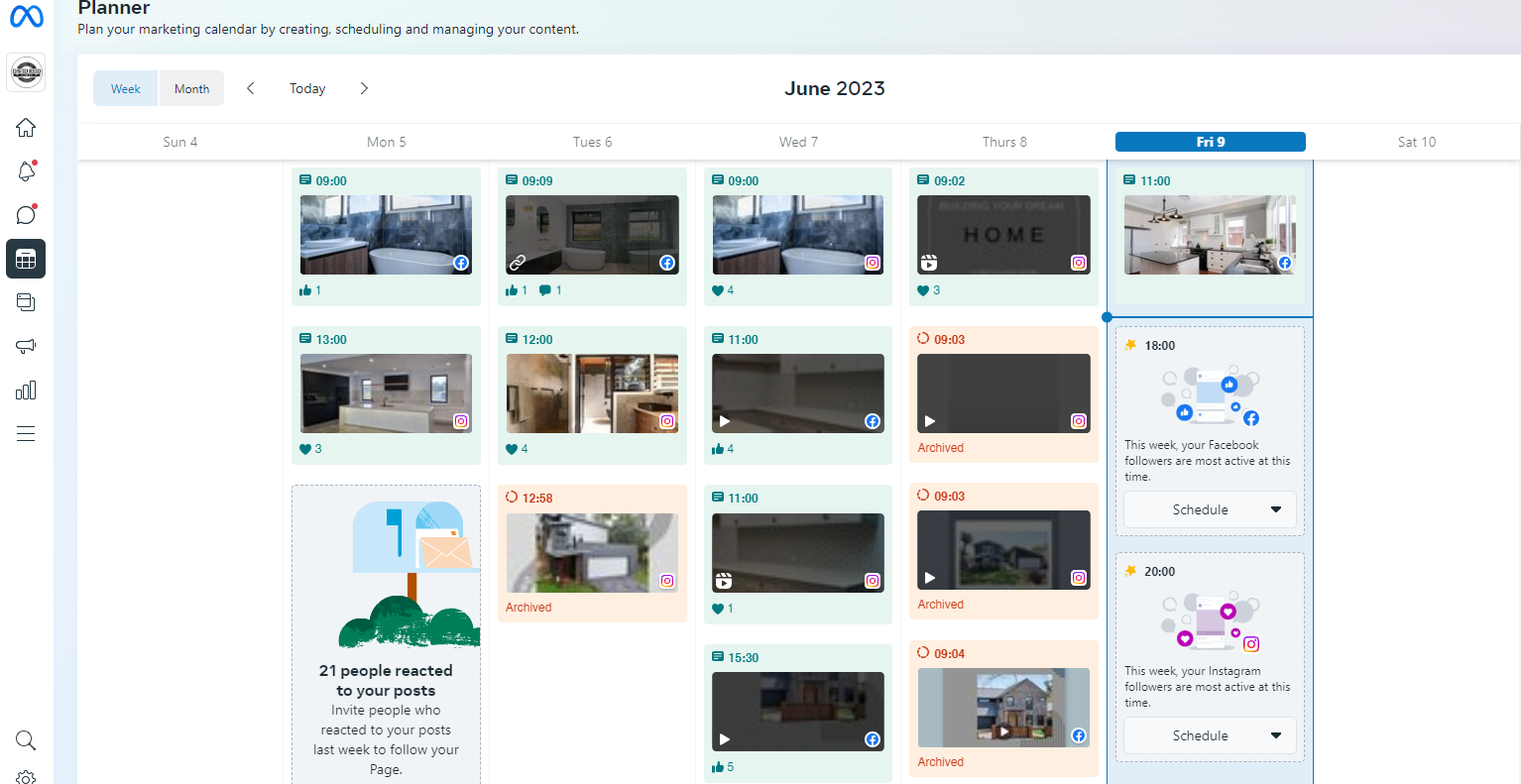
1. Meta Business Suite – Meta Business Suite is a social media scheduling tool that allows you to schedule content on Facebook and Instagram (posts, Stories, and ads). It’s available either on desktop or as a mobile app.
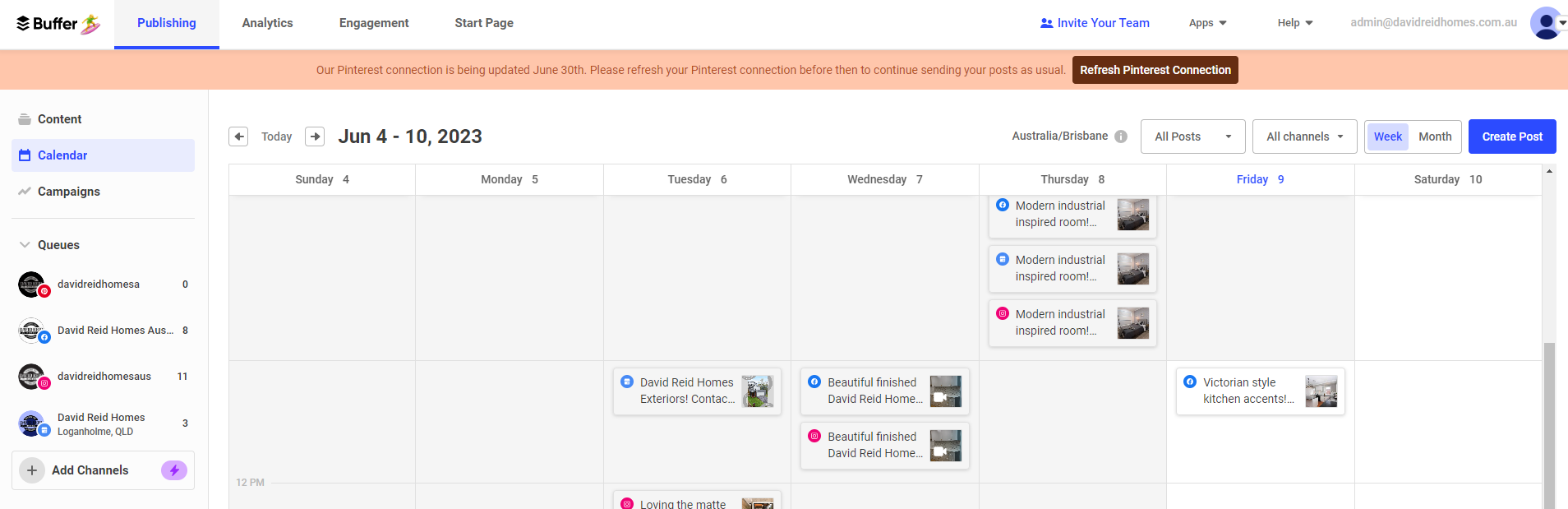
2. Buffer – Buffer operates a freemium model, where you can schedule 10 social updates for free, or with a paid plan you can undertake unlimited scheduling. This gives ample opportunity for a beginner to learn whether social media automation is likely to be of value to them.
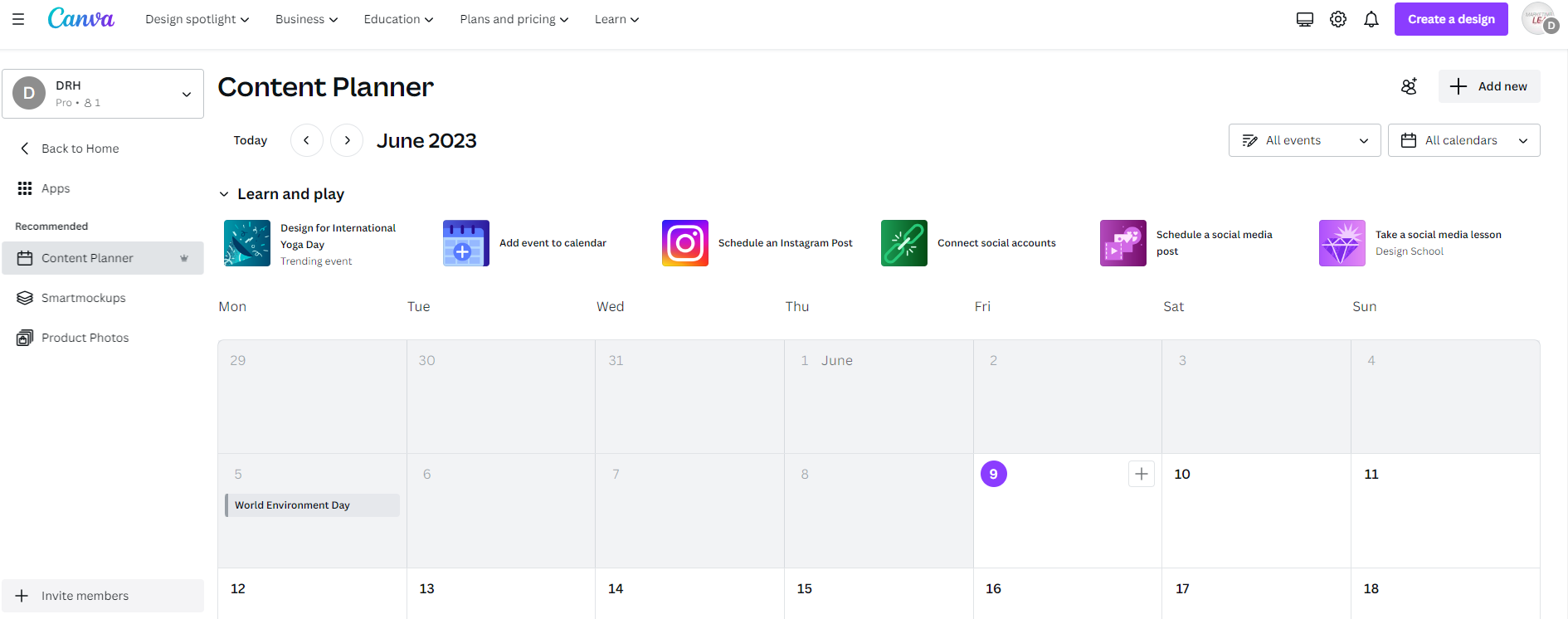
3. Canva – The Canva Content Planner is a new feature on Canva… it’s essentially a content calendar… it’s under the Canva Pro best part is you can schedule direct from your design.