Curriculum
Content Posting
Fail to Plan – Plan To Fail
0/3

Scheduling Tools
0/4
Content Engagement
0/3
Insights & Analytics
0/1
How Often Should I Post?
Quality and consistency are key to any marketing success.
Social media platforms are constantly updating their algorithms, adding new features, and changing the rules of engagement. What worked last year may not work this year, and what works today might become obsolete tomorrow. How frequently you post on social media will depend on a number of factors, namely, how the platform works and when your customers are on each platform you choose.
The ideal frequency for posts depends on the type of post, but generally, it’s recommended to post at least once per week. You can also break up your posts into different times of day and days of the week based on when your target audience is online.
Why publish on Social Media at all?
There are three big reasons to keep publishing on Social Media:
1. Publishing on Social Media shows leads and potential customers that you’re actively in business. Many people go to Facebook especially to research companies and look for thought leadership. If your Facebook page is incomplete and inactive, they may go with a competitor who is more prominent on the platform.
2. It’s easier to go viral on Social Media. The maximum number of clicks that a single Facebook Page received during going viral was 8K — and the Page published only five times that week.
3. Facebook Ads offer some of the highest ROI of social ads you can buy. This is especially true if you are doing any retargeting. And once you’ve published on Facebook, it’s the easiest platform from which to boost posts and get more distribution (and followers).
According to multiple ‘EXPERTS” here’s a quick summary of what they say:
- Instagram: Post between 3 and 5 times per week.
- Instagram Stories: Post 2 times per day.
- Facebook: Post between 1 to 2 times per day.
- LinkedIn: Post between 2 to 3 times per week.
- TikTok: Post between 3 and 5 times per week.
- Pinterest: Post at least 1 time per week.
- Google My Business: Post at least 2 times per week.
Before you panic with the sheer number of different posts … there is a reason we started with using a Social Media Scheduler.
1. Buffer uses ‘Analyze’ which gives you three personalised recommendations on when to post on Instagram to maximise your reach for the week. If you want more great times to post, you can dive into the chart and look for other times with above-average hourly reach. Your reach is predicted using data from your previous posts and your followers’ activity. It is unique and personalised for your brand.
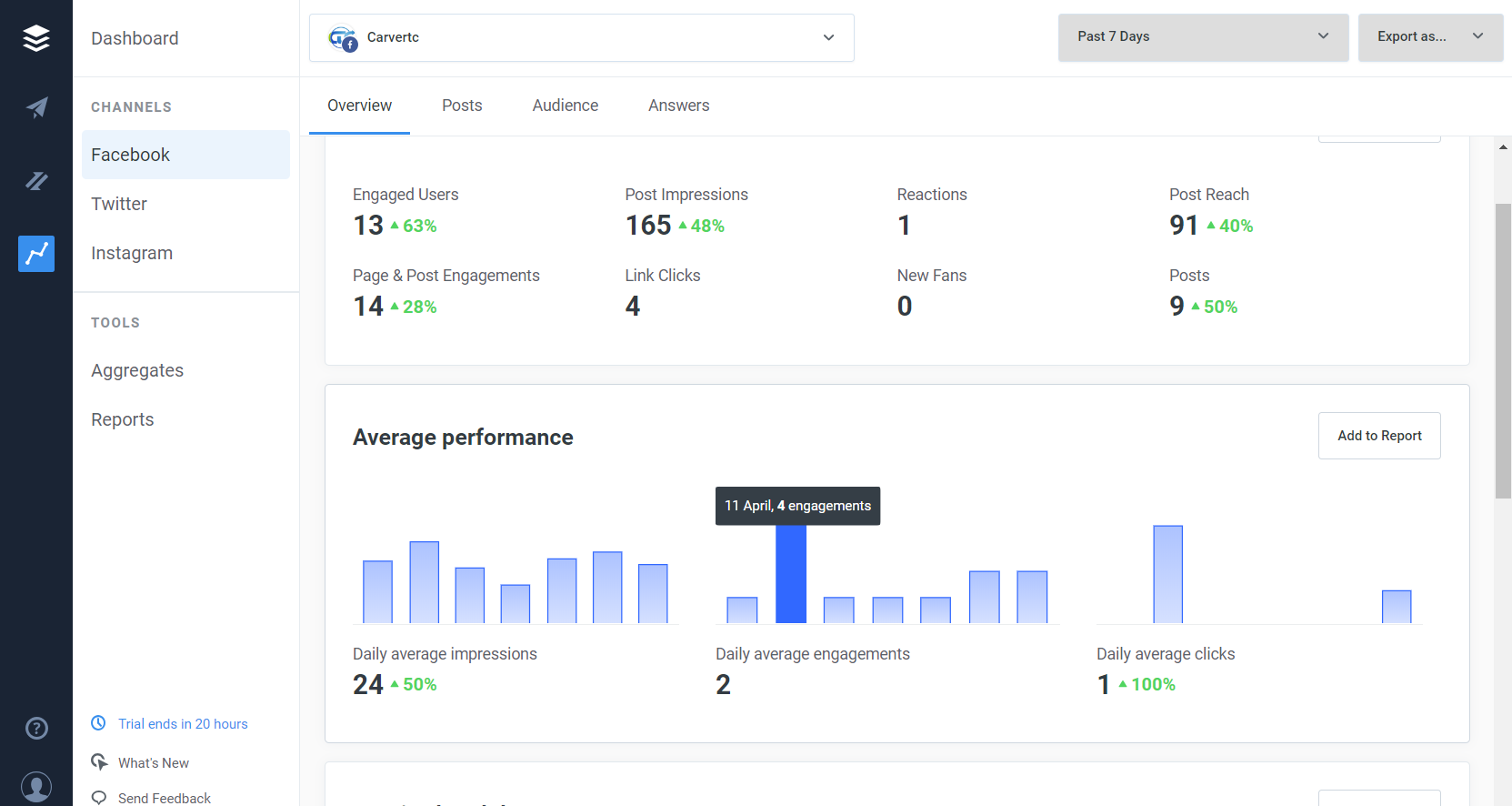
2. Meta Business Suite gives you the Insights section to make it easier to figure out. Take a look at the Audience tab in Insights to understand where your Facebook and Instagram followers are located, and what time zone they’re in.
If you’ve been posting content regularly, you can also use the Content tab in Insights to look for patterns – perhaps your Facebook posts tend to get more engagement when they’re published after 17:00, or your Instagram stories get more views on weekends. Use these learnings to post content when your audience is most active and likely to engage.
Or you can simply go to the planner
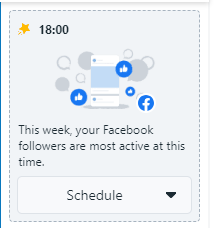
3. Canva while Canva simplifies life by letting you schedule or post diectly after designing there is unfortunately no actual reporting or valuable insights. If you click on the actual post in the planner it will give you reach insights but no actual best time based on your audience.
Next Lesson: One piece of content different ways

